Services
Upgrades & Optimization
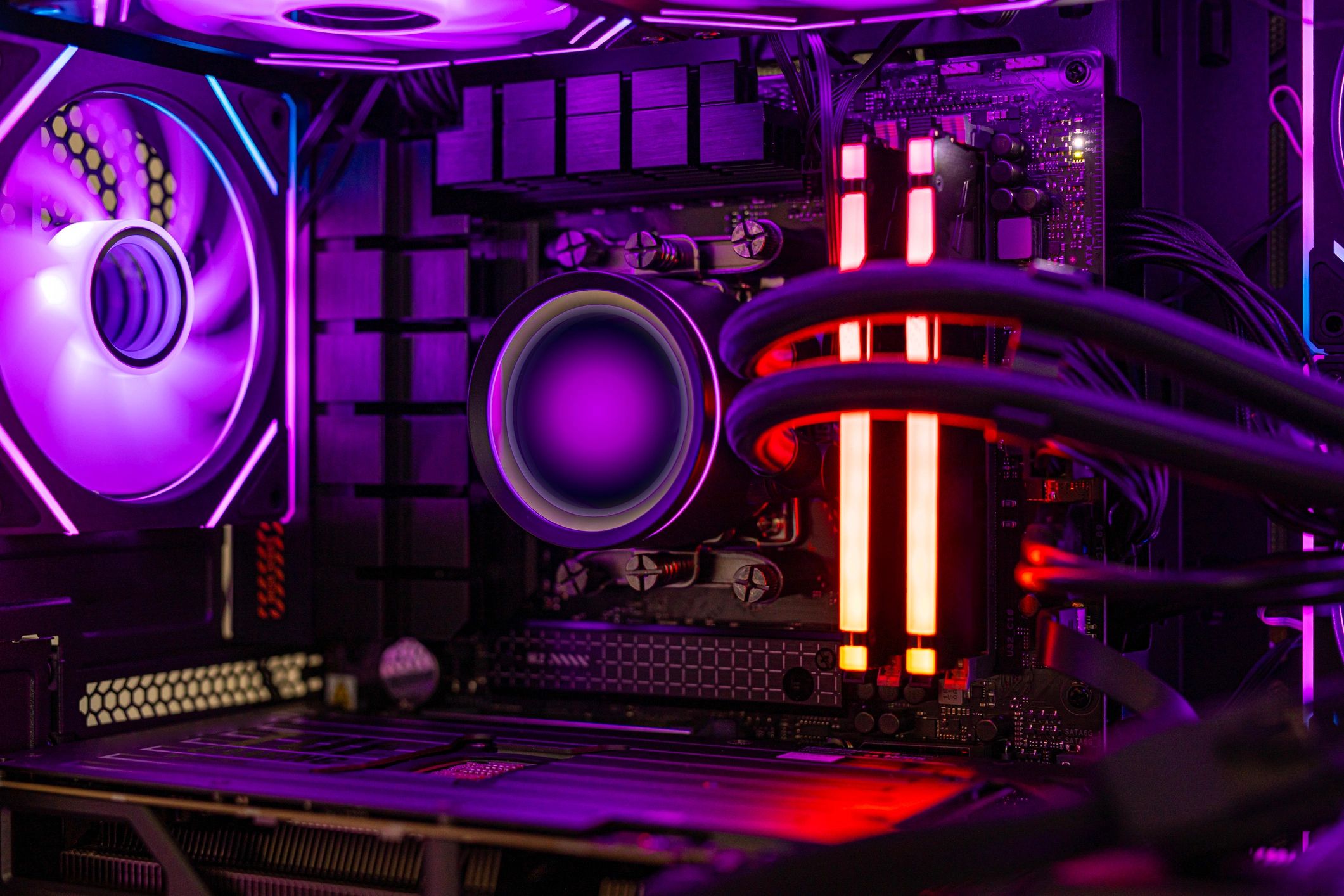
Get more FPS, faster load times, and a smoother system with targeted hardware upgrades and performance tuning—done right for your games and your budget.
What we do
Performance upgrades that matter
We recommend parts and settings that deliver real-world gains—then install, validate, and stress-test so your rig stays stable.
Process
How upgrades work
A clear, repeatable workflow that protects your data and ensures the upgrade actually improves performance.
1) Quick intake
Tell us your games, current specs, and symptoms (stutter, heat, slow loads). We’ll confirm goals and constraints.
2) Diagnose & recommend
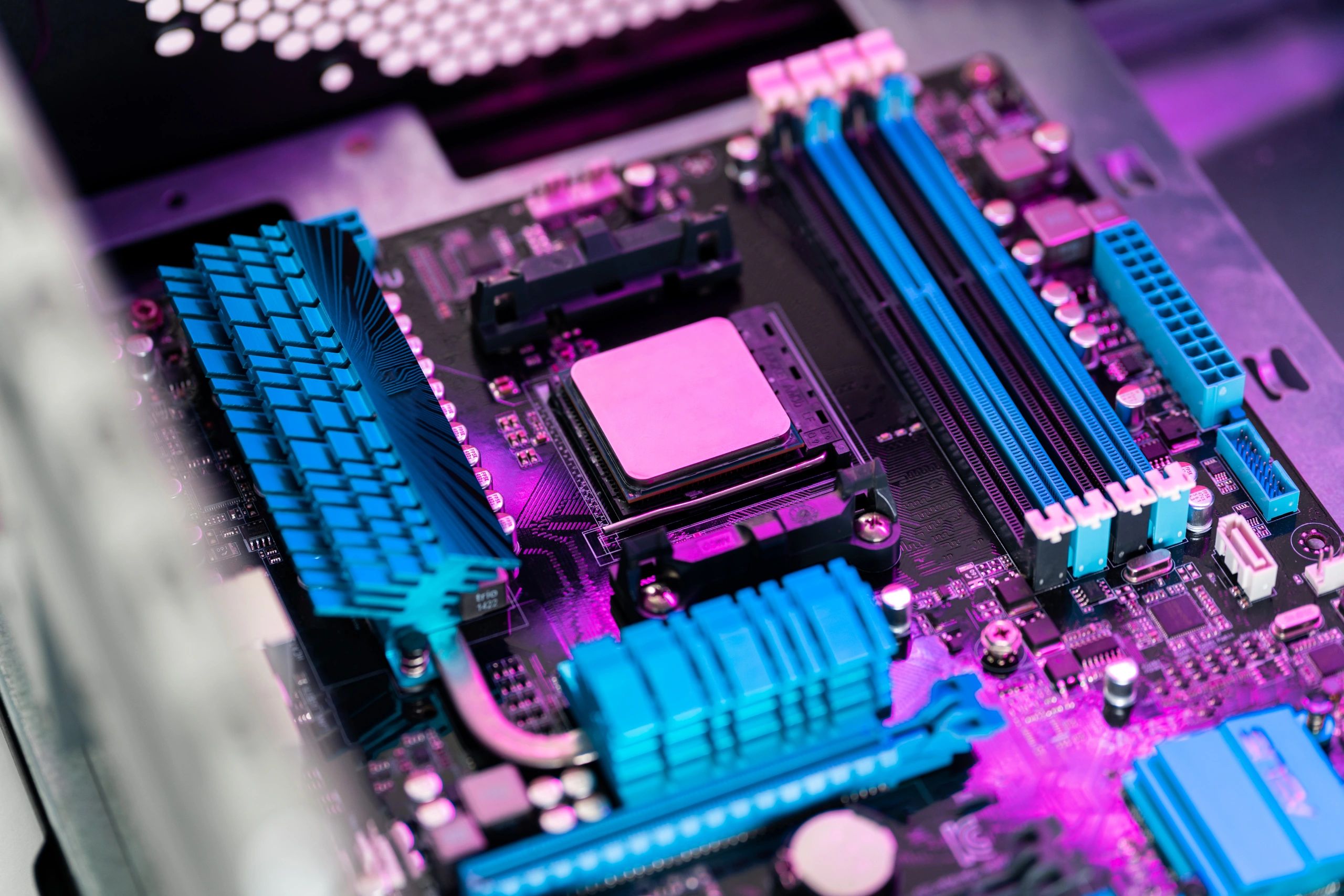
We check thermals, storage health, drivers, and bottlenecks—then recommend the best-value upgrade path.
3) Install & optimize
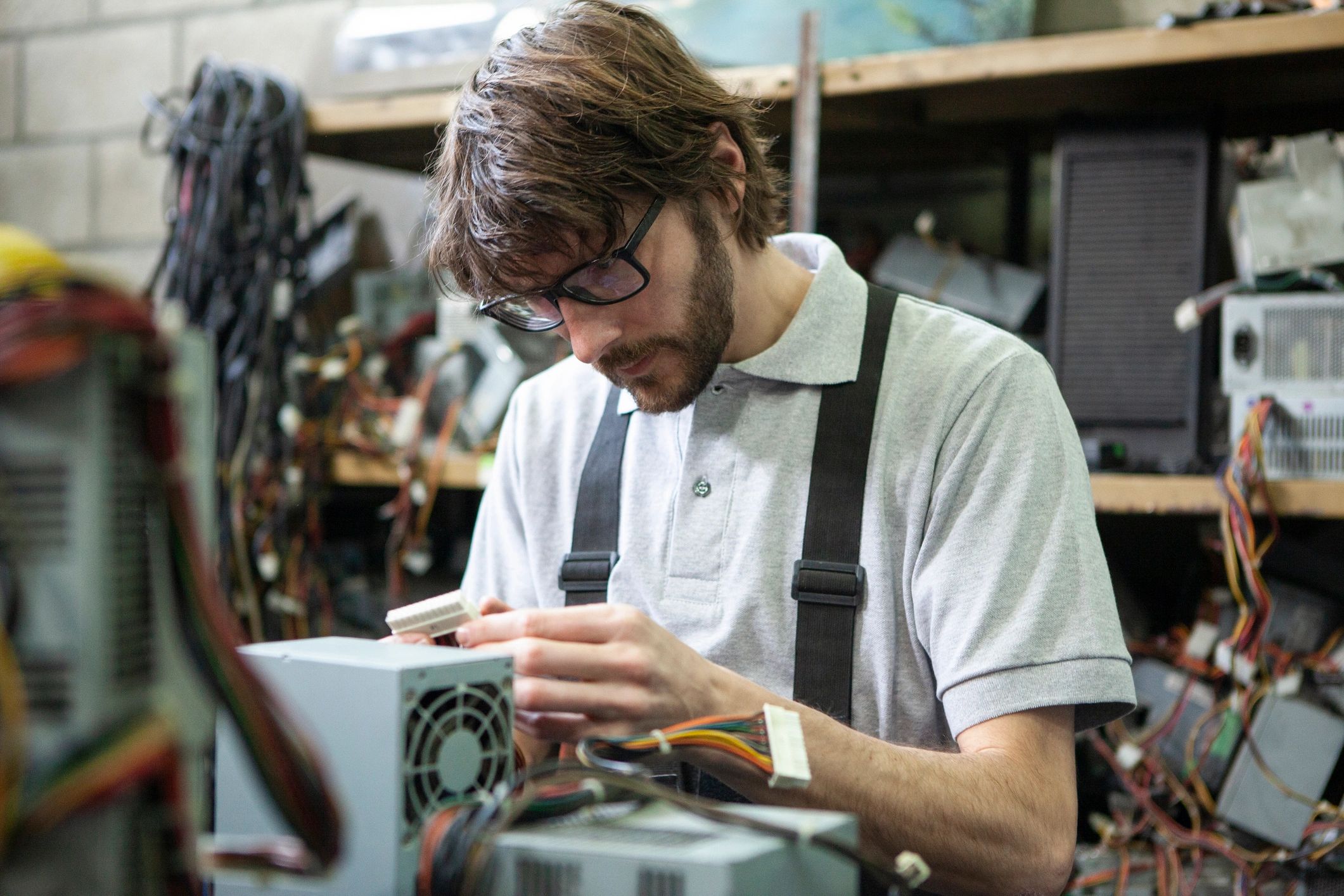
Hardware install, BIOS/firmware updates, driver cleanup, and performance tuning tailored to your setup.
4) Validate & handoff
Stress tests and game checks for stability, temps, and frame pacing—plus a simple summary of what changed.