PC Repair
PC Repair & Troubleshooting
Crashes, blue screens, overheating, no display, random restarts, or slow performance—we’ll diagnose the root cause and get your gaming rig stable again. Dallas in-person service plus nationwide ship-in support.
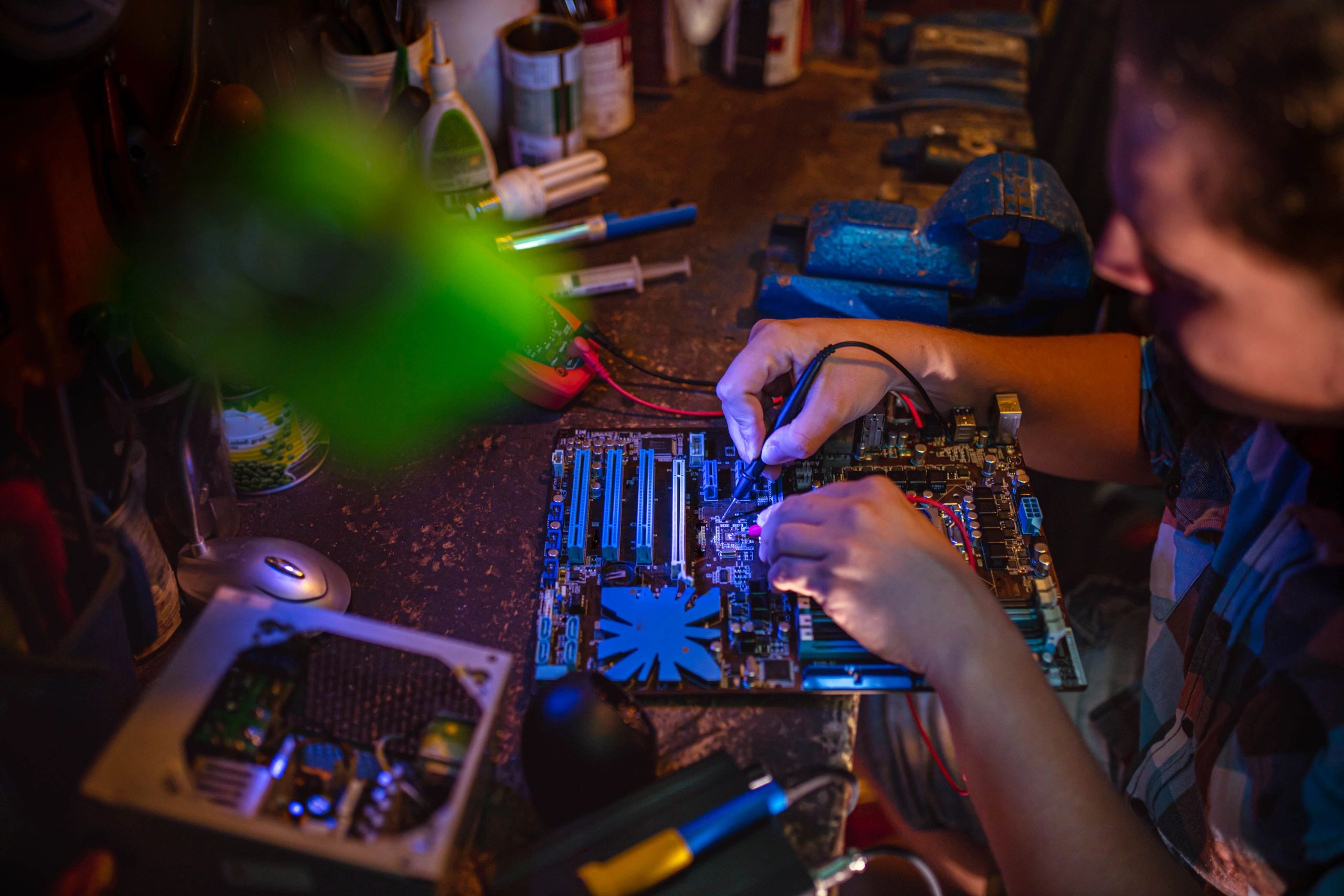
What we fix
Common issues we troubleshoot
From hardware failures to software conflicts, we isolate the problem fast and explain the fix in plain English.
No boot / no display
Power issues, bad RAM, GPU seating, BIOS problems, and failed components—tested step-by-step.
Crashes & blue screens
Driver conflicts, unstable overclocks, failing storage, memory errors, and Windows corruption.
Overheating & loud fans
Thermal paste, airflow, fan curves, AIO issues, dust buildup, and hotspot checks.
Lag, stutter & low FPS
Bottlenecks, background apps, storage health, game settings, and system tuning for smooth gameplay.
Our approach
Diagnostics that don’t guess
We use repeatable tests and clear checkpoints so you know what’s wrong, what it takes to fix it, and what to do next.
✔
Hardware + software checks
Thermals, RAM stability, storage health, PSU behavior, drivers, and Windows integrity.
✔
Proof before we replace
We verify failures with logs and testing—no unnecessary parts swaps.
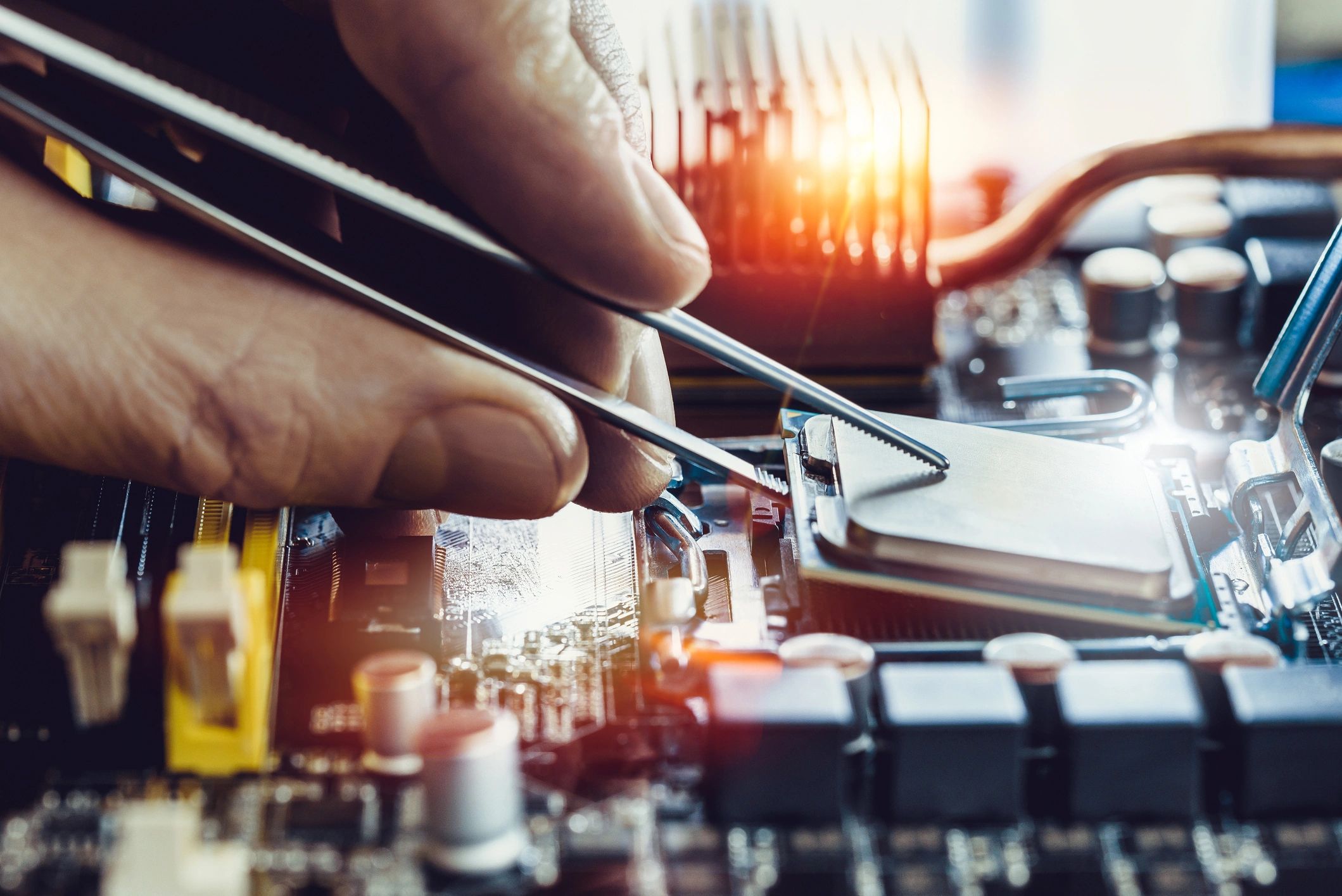
FAQ
PC repair questions
Not sure where to start? Here are quick answers to the most common repair and troubleshooting questions.