Remote support
Fast, expert help—without leaving your desk
Get your gaming PC diagnosed and fixed remotely for driver issues, crashes, FPS drops, overheating, and more. We’ll walk you through a secure session and get you back in-game fast.
How it works
Remote support in 4 steps
Simple, secure, and focused on results—so you spend less time troubleshooting and more time playing.
Tell us what’s happening
Share your symptoms, PC specs, and what you’ve already tried. Screenshots and error codes help.
We schedule a session
Choose a time that works. We’ll send a secure remote-access link and quick prep checklist.
We diagnose and fix
We check logs, drivers, thermals, settings, and stability—then apply targeted fixes and optimizations.
You get a clear recap
We summarize what changed, what to watch for, and next steps if hardware service is recommended.
What we can do
Common remote fixes
Remote support is ideal for software, configuration, and performance issues. If we find a hardware fault, we’ll recommend in-person service (Dallas) or ship-in via FedEx.
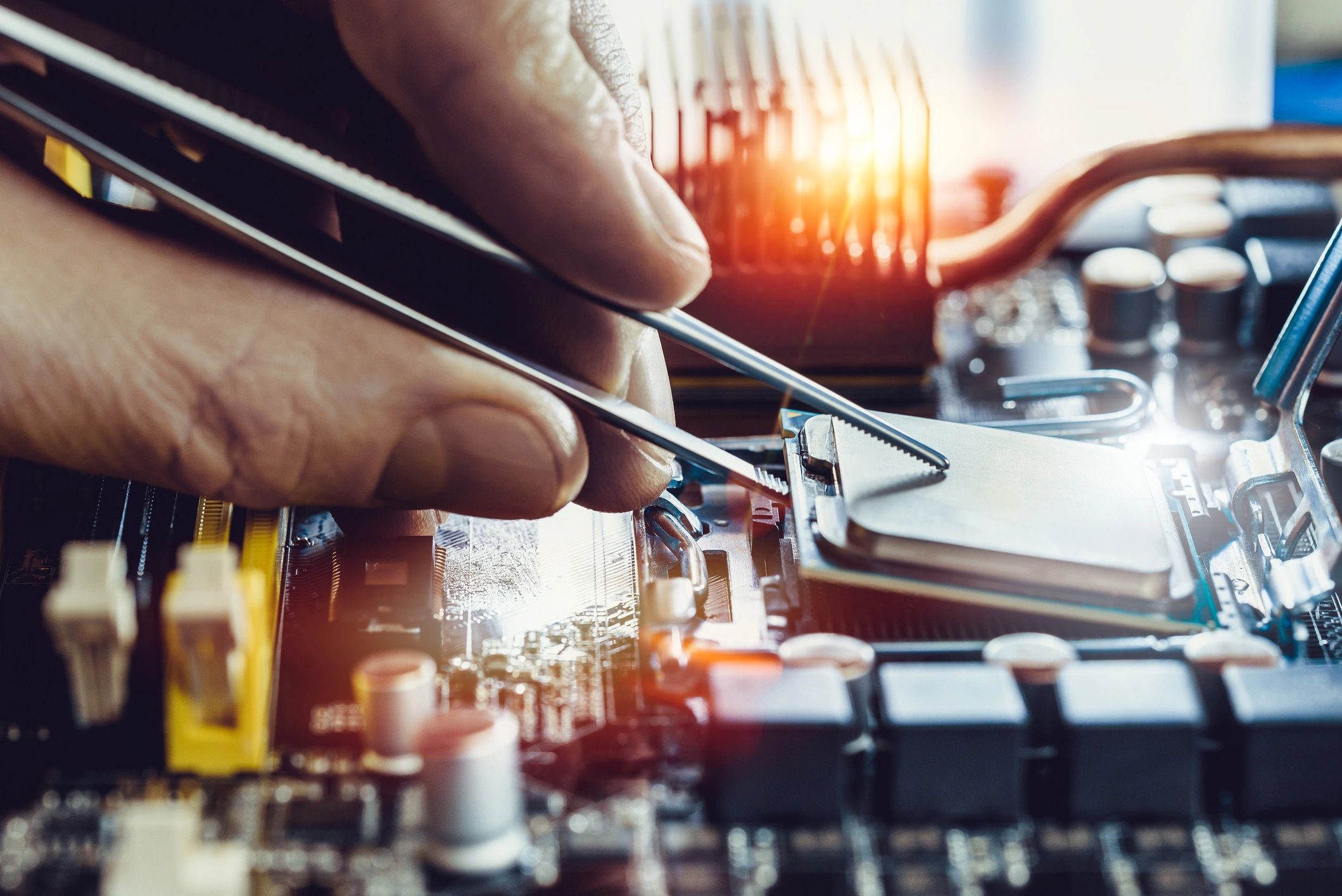
Crashes & blue screens
Game crashes, BSODs, random restarts, and freezing—driver cleanup, stability checks, and root-cause fixes.

FPS drops & stutter
Frame pacing, background apps, settings, and optimization for smoother gameplay and better responsiveness.
Overheating & noise
Fan curves, power limits, monitoring, and safe tuning to reduce throttling and keep temps under control.
FAQ
Remote support questions
Not sure if remote support is right for your issue? Here are the most common questions we get.